Photo to Video
Bring your photos
to life.
Pick a photo or type a prompt. Fifteen AI models turn it into smooth, cinematic motion — in seconds, on your iPhone.
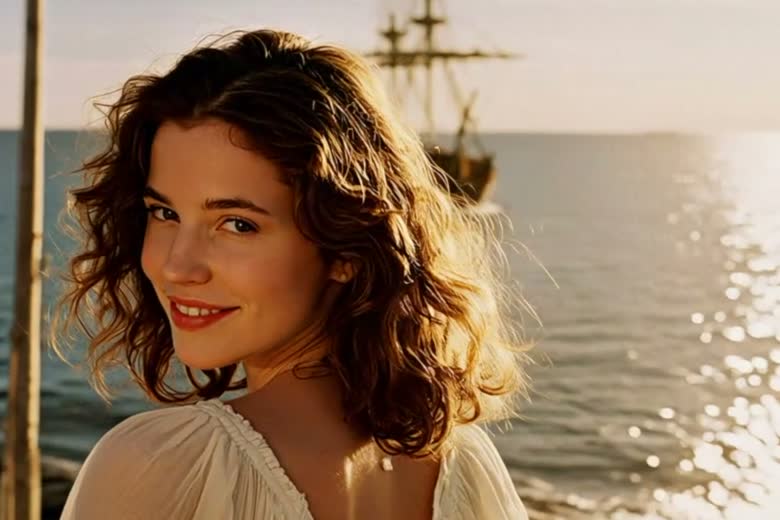
A still photo.
Then it moves.
One image in. Natural, believable motion out — no keyframes, no timeline, no editing experience.
Eleven ways to create.
Start from a photo, two frames, several subjects, or nothing but a sentence.
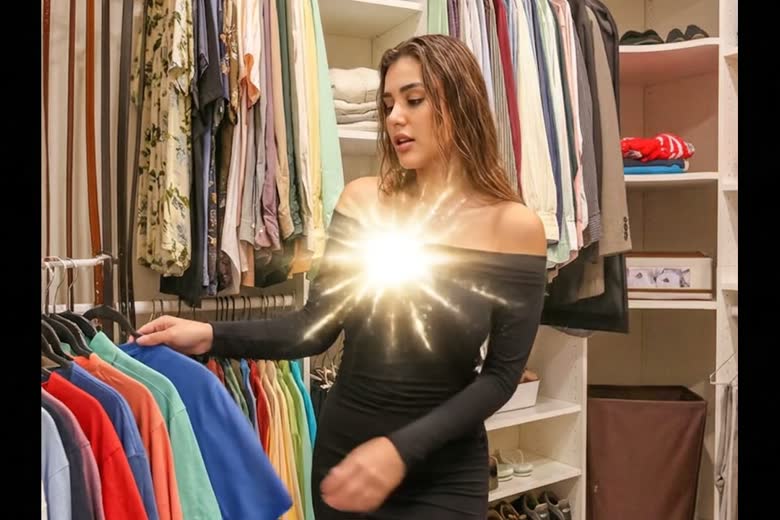
Photo to Video
Animate any still image into lifelike motion — portraits, products, landscapes.
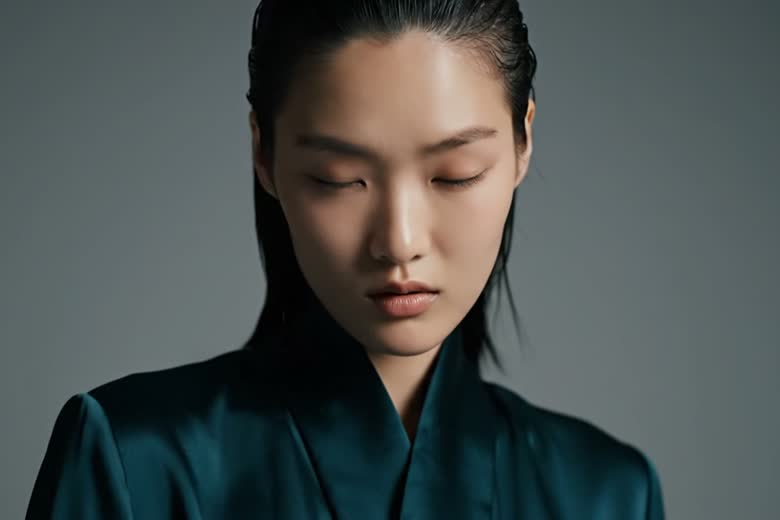
Text to Video
Describe a scene in words and watch it built into a clip from scratch.
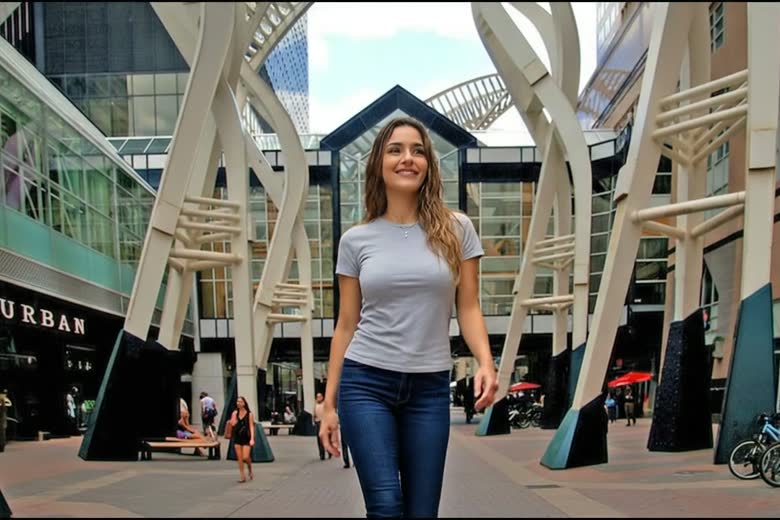
Transition
Give it a first and last frame. AI fills in everything between them.
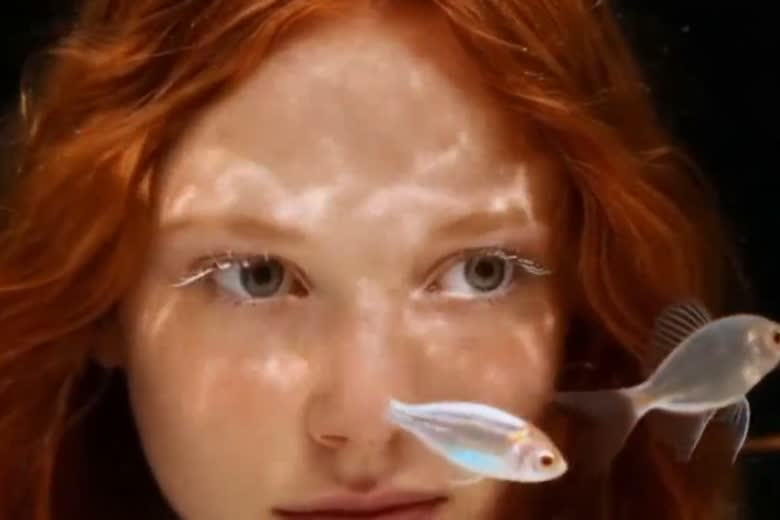
Fusion
Combine up to seven subjects or backgrounds into one cohesive scene.
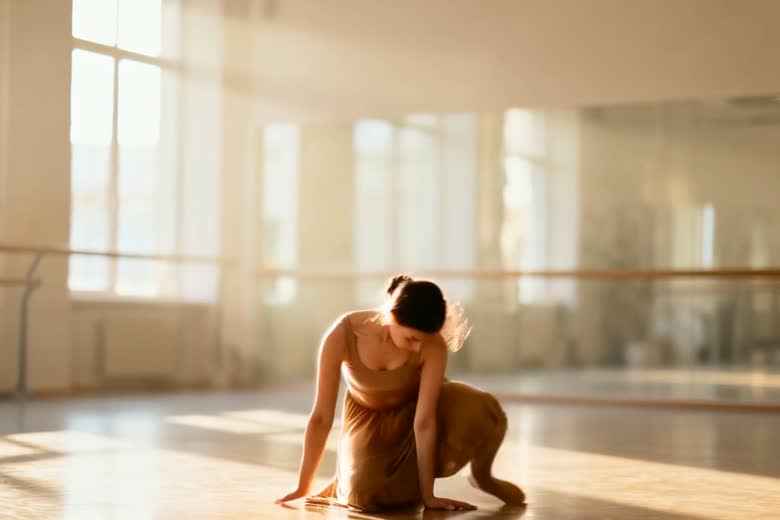
Motion Control
Drive your character with a reference video and copy its movement exactly.
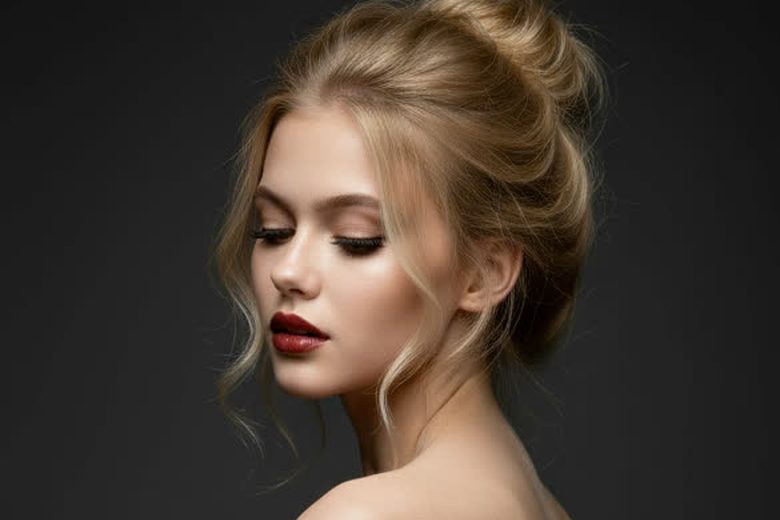
Edit Image
Change a photo with a prompt. Faces, lighting and colour stay intact.
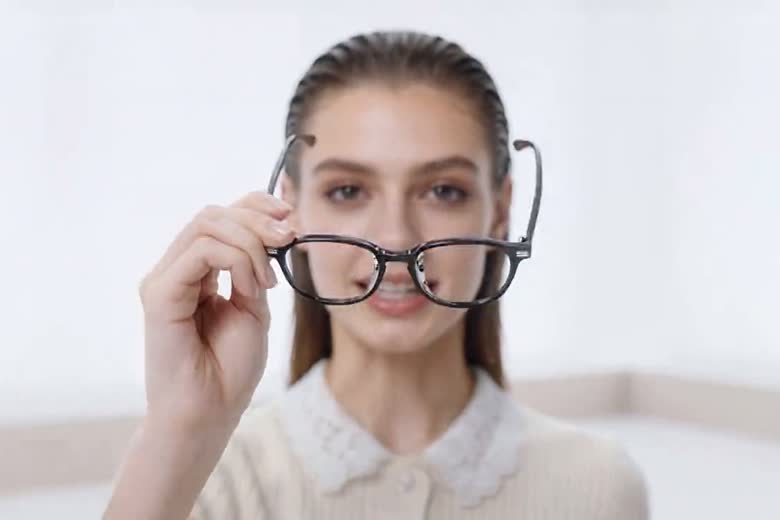
Edit Video
Restyle a clip, or change one element in it, by describing the change.
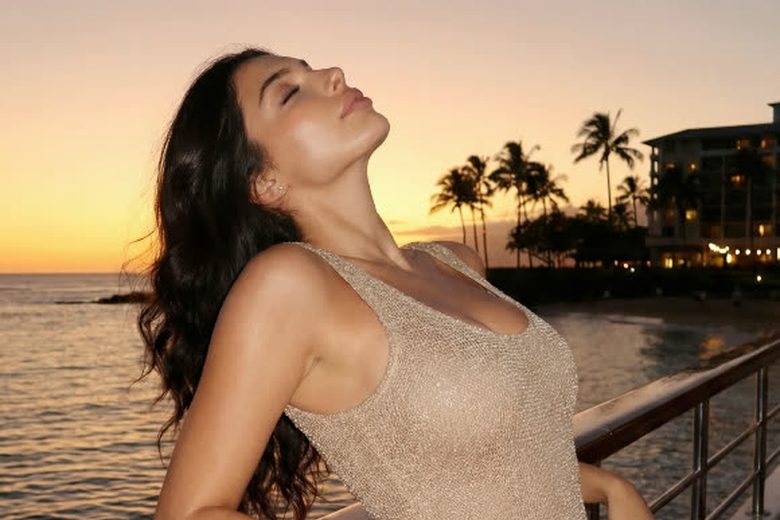
Create Image
Generate original images from a prompt, square through ultra-wide.
Extend, Upscale & Audio
Continue a clip by 5 or 8 seconds, sharpen it, and give it a synced soundtrack.
Fifteen AI models.
One app.
Every model has its own strengths. Switch between them at any time — no extra account, no extra subscription.
No subscription.
$0
per month, forever. Buy credits only when you actually create something.
Questions.
How do you turn a photo into a video on iPhone?
Open Photo to Video, pick a photo, describe the motion you want, choose a model, and generate. There is no timeline and no editing experience required — the AI produces the movement.
Is there a subscription?
No. You buy credits only when you generate something, and they never expire. There is no monthly or annual charge.
Can it animate between two different photos?
Yes. Transition mode takes a first and last frame and generates the motion between them.
Can a character copy the movement from another video?
Yes. Motion Control takes a character image plus a reference video, and the character performs the same movement.
Which AI models does it use?
Fifteen, including Sora 2, Veo 3.1, Seedance 2.0, Kling 3, Wan 2.7 and Vidu Q3. You pick the model per generation, at no extra cost and with no separate account.
Do you need an account?
Not to start. You can install the app and create straight away; signing in is only required to buy credits.
What happens to the photos you upload?
They are sent to our AI provider solely to generate the result you asked for, after you explicitly agree in the app. Nothing is used to train models, and the app performs no facial recognition and creates no faceprint.
Is there an Android or web version?
No. Photo to Video is iPhone-only.
Made by Havlek.
We build AI products end to end — and we ship our own. Photo to Video is one of them.