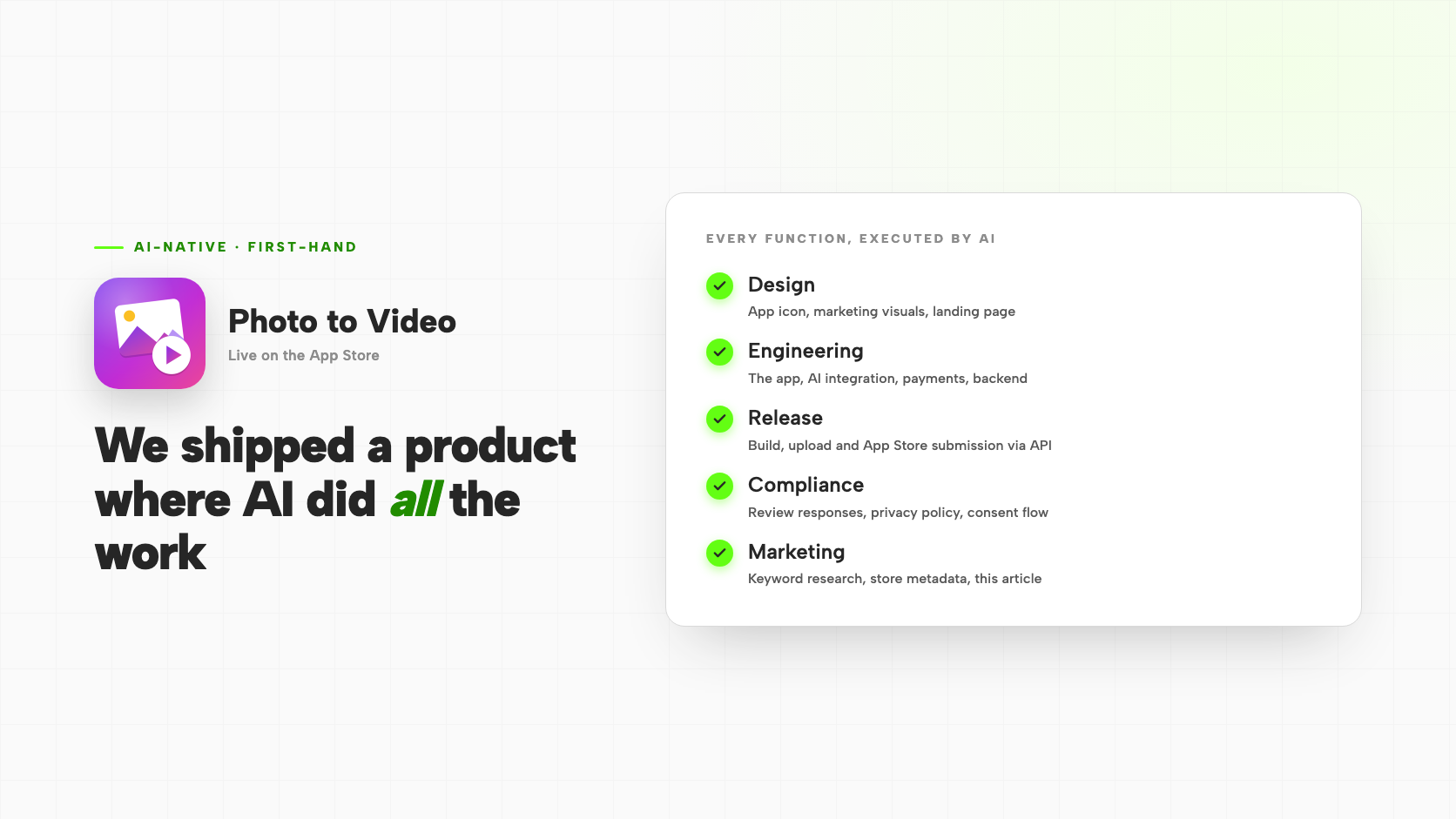
Nearly every article on this blog analyses someone else's AI adoption. This one is a first-hand report on our own.
We built Photo to Video, a consumer app that turns a still photo or a text prompt into a short AI-generated video. It is live on the App Store, it takes payments, and it went through Apple's full review process. What makes it worth writing about is not the app. It is how it was made: every function that would normally require a separate specialist — visual design, engineering, release management, regulatory compliance, and marketing — was executed by AI, with one person directing the work rather than performing it.
We did this on our own product, at our own expense, before recommending the approach to anyone else. This is what we found.
Most "AI adoption" means putting an AI feature into your product. AI-native means changing how the work of the company itself gets done. Those are very different projects, and only one of them changes your cost structure.
What "AI-Native" Actually Means
The phrase gets used loosely. When most companies say they are adopting AI, they mean they are adding a capability to their product — a chatbot, a summarizer, a recommendation engine. That is a feature decision. It can be valuable, but it leaves the operating model untouched: the same teams do the same work in the same sequence, with one more thing to maintain.
An AI-native approach asks a different question: which parts of our own execution can be delegated to AI, and what does that do to how fast and how cheaply we can ship? The interesting answer, which we did not fully believe until we tested it, is that the delegable share is now much larger than most operators assume — and it extends well past writing code.
Design
The product's visual identity was AI-generated. The app icon, the marketing imagery, the layout and copy of the product's landing page, and the illustration at the top of this article were all produced through AI rather than commissioned or built by hand.
The practical benefit was not cost — it was iteration speed. Design revisions that would normally involve briefing someone, waiting, and reviewing a round became immediate. When the first App Store submission was rejected for shipping a placeholder icon, the replacement was designed, exported at every required size, and back in a build the same day.
Engineering
Effectively all of the production code was written by an AI agent working from direction rather than from detailed specifications: the app itself, the integration with the AI generation models, the payment and credit system, the cloud backend, and the anti-abuse layer that prevents people from farming free credits.
Two observations matter more than the volume of code. First, the work included genuinely non-trivial engineering, not just boilerplate — diagnosing why long-running generation jobs were failing in production, redesigning them around an asynchronous submit-and-poll model, and building a device-attestation scheme to block automated abuse. Second, the constraint shifted. The bottleneck stopped being how quickly code could be written and became how quickly it could be reviewed and decided upon. That shift is the whole story of AI-native work, and we will return to it.
Release
This is the part that surprises people most. The entire App Store release pipeline runs through the API, executed by the agent: bump the version, archive and sign the build, upload it, poll until Apple finishes processing, attach it to the store version, set the release notes, and submit for review. No manual clicking through a build tool's interface, no hand-assembled submission.
The value shows up in the unglamorous edge cases. On a recent metadata-only update we hit a rejection from Apple's API that was not obvious from the error text: the existing live build could not be reused for the new version. Diagnosing it meant checking how builds are grouped, discovering that a store version only accepts a build from its own matching version series, and concluding that a fresh build was unavoidable even though not a single line of code had changed. That investigation, the rebuild, the upload and the resubmission were all completed in a single working session.
Compliance
Our submission was not rejected once but several times, and each rejection uncovered a different requirement. AI drafted the response to every one of them.
The substantive issue was consent. Because the app sends user-submitted photos and prompts to a third-party AI provider for generation, Apple requires explicit in-app permission before the first transmission, with a disclosure naming what is sent and who receives it. Crucially, covering this in the Terms of Service and Privacy Policy is explicitly not sufficient — it has to be a screen the user actively agrees to. We designed and shipped that consent flow.
Because the app accepts photos that may contain a person, we also received a detailed questionnaire on face data: what is collected, how it is used, whether it is shared, how long it is retained, and where this is disclosed — with a request to quote the passage. The answer that resolved it was precise and true: the app collects no biometric identifier, performs no face detection or recognition, and creates no faceprint or template. A dedicated privacy-policy section was written so there was a passage to quote.
One warning worth passing on. When Apple asks whether your app sends user data to a third-party AI, answering honestly escalates the review into a deeper audit of your consent flow and privacy policy. It is still the only correct answer. Plan for the escalation rather than trying to route around it.
Marketing
The marketing work was also delegated. That included competitor research across the category, pulling real keyword popularity data from Apple's own advertising tools rather than guessing, and rewriting the store subtitle and keyword field around what that data actually showed. The store metadata update was then submitted through the same automated release pipeline.
It extends to the words you are reading. This article was written by AI, as was the product's landing page and its entry in our portfolio. The research behind the keyword strategy — including verifying how App Store search actually matches terms, rather than repeating widely circulated assumptions — was done the same way.
What The Human Still Does
It would be dishonest, and unhelpful, to describe this as a process with no person in it. The distinction is between execution and judgement, and judgement did not move.
A human decided what to build and for whom, set the pricing, owned the Apple developer account and every credential, made the call on which rejections to argue and which to concede, chose what to say publicly about the product, and reviewed the output before anything shipped. When the AI proposed a marketing claim that overstated what we could support, a human caught it and cut it. Accountability for a live product that takes real money from real customers sits with a person, and no amount of automation moves it.
What changed is the ratio. Far less time goes into producing the artefact, and far more into specifying the intent and checking the result. The skill that matters most in this model is not prompt-writing — it is knowing what "correct" looks like well enough to spot when it is not.
What This Means For Your Business
- Start where output is verifiable. Code either runs or does not. A build either uploads or errors. These functions are safe to delegate early because mistakes surface immediately. Delegate judgement-heavy, hard-to-verify work last.
- Expect the bottleneck to move, not disappear. When production accelerates, review becomes the constraint. Teams that do not plan for this simply relocate the queue instead of shortening it.
- Automate the boring pipeline, not just the creative work. The release automation delivered more compounding value than any single piece of generated content, because it turned a slow, error-prone, once-a-release ritual into something repeatable.
- Keep accountability human and explicit. Especially where money, personal data, or regulated claims are involved. This is what makes the speed defensible rather than reckless.
- Test it on yourself first. We would not put a client's launch timeline behind an approach we had not personally taken all the way to a live, paying product.
The Havlek Takeaway
The reason we did this is straightforward. We advise businesses on AI adoption, and the credibility of that advice depends on having done the work rather than having read about it. Photo to Video is a real product with real customers, built and shipped under an operating model where AI performs the execution across design, engineering, release, compliance and marketing, and a person directs and remains accountable.
The transferable conclusion is that the limiting factor on AI-native work is no longer model capability. It is organisational: knowing which functions to hand over, in what order, with what verification, and keeping clear judgement at the decision layer. If you are trying to work out what that looks like inside your own business, that is exactly the conversation we are set up to have.
Sources & Further Reading
- Photo to Video — the product described in this article — Our own consumer AI app, live on the App Store, and the source of every observation in this post
- Apple App Review Guidelines — The governing document for the review requirements described above, including accurate metadata, consent for transmitting user content to third parties, and in-app purchase rules
- App Store Connect API documentation — The interface behind the automated release pipeline: build upload, version management, and review submission without manual steps